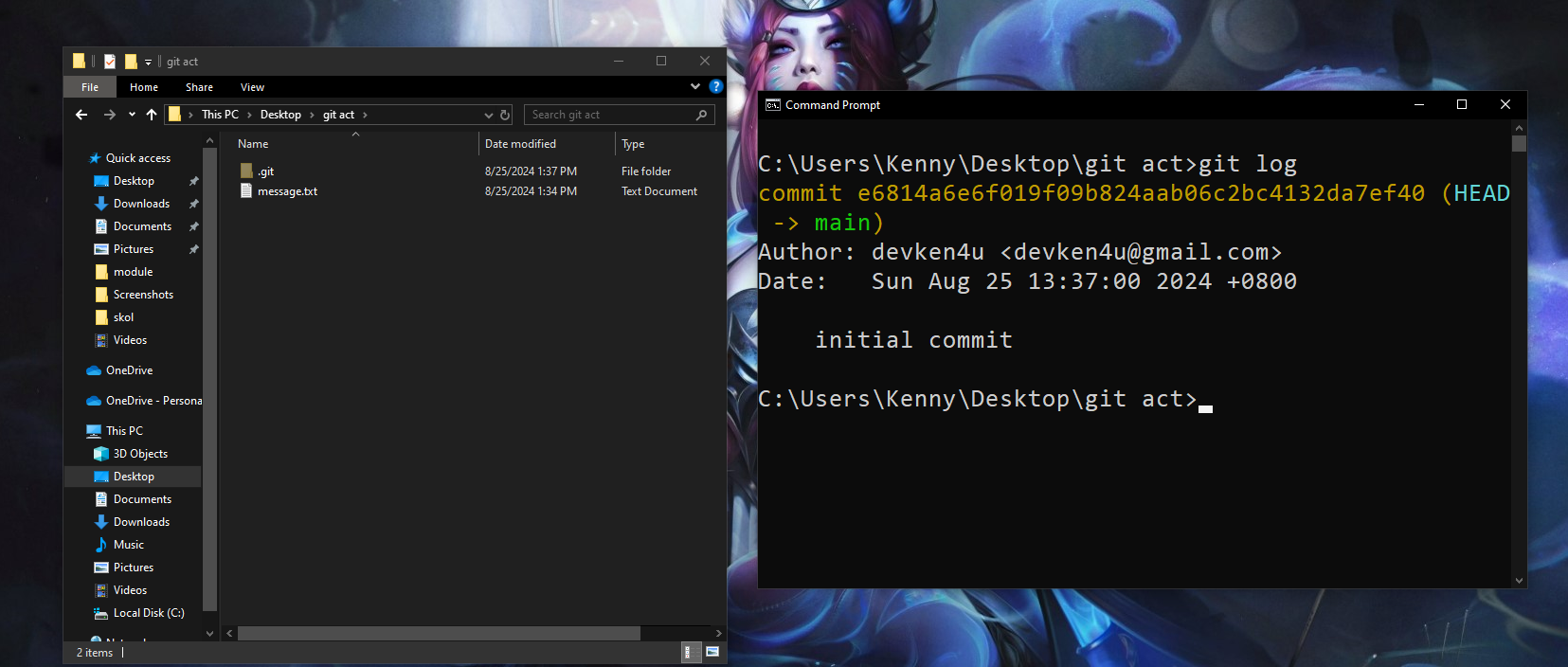
Git Fundamentals Documentation
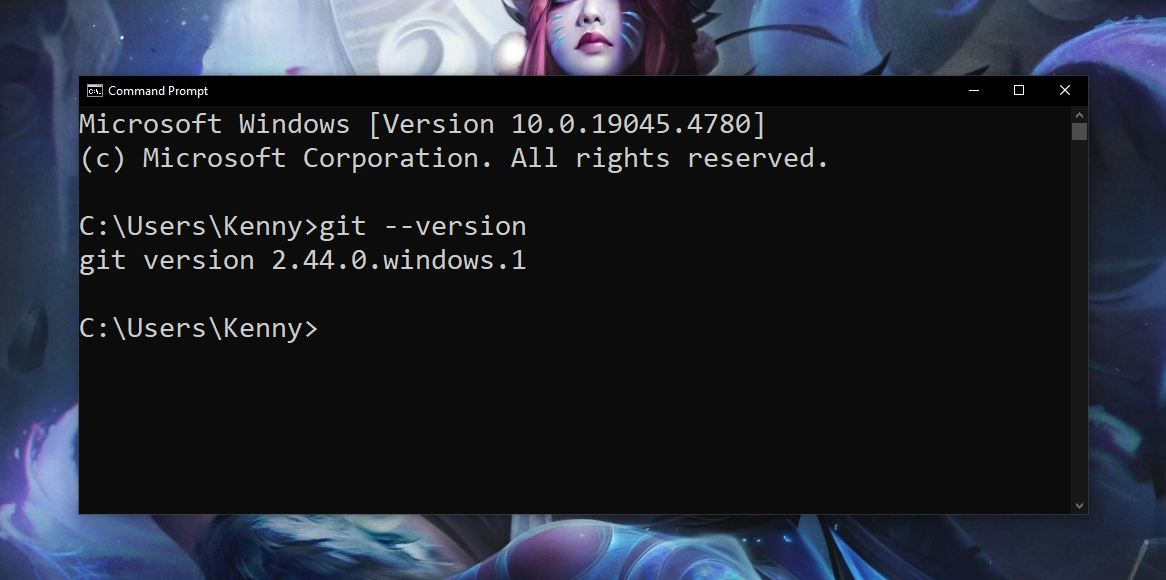
Step 1: Search on how to install git on your machine and check git version
git --version
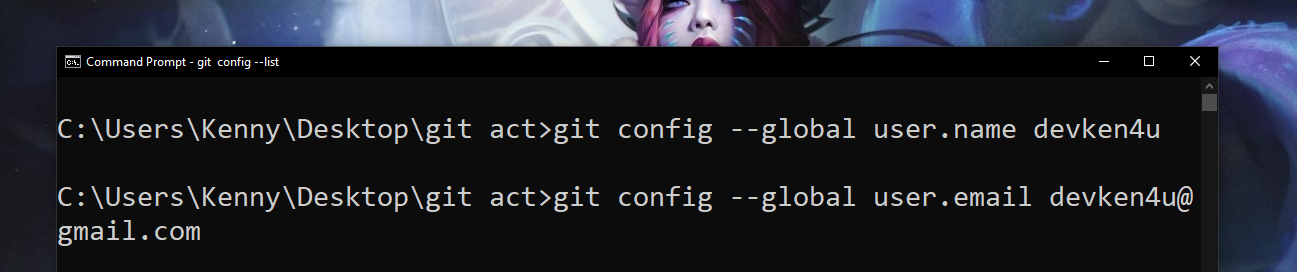
Step 2: Configure git
git config --global user.name "Github Username"
git config --global user.email "your.email@example.com"
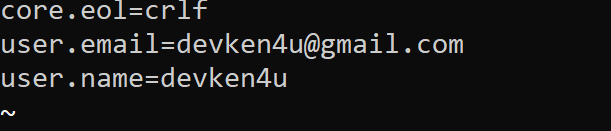
Check if changes reflected using:
git config --list
Step 3: Initialize a Git Repository
git init
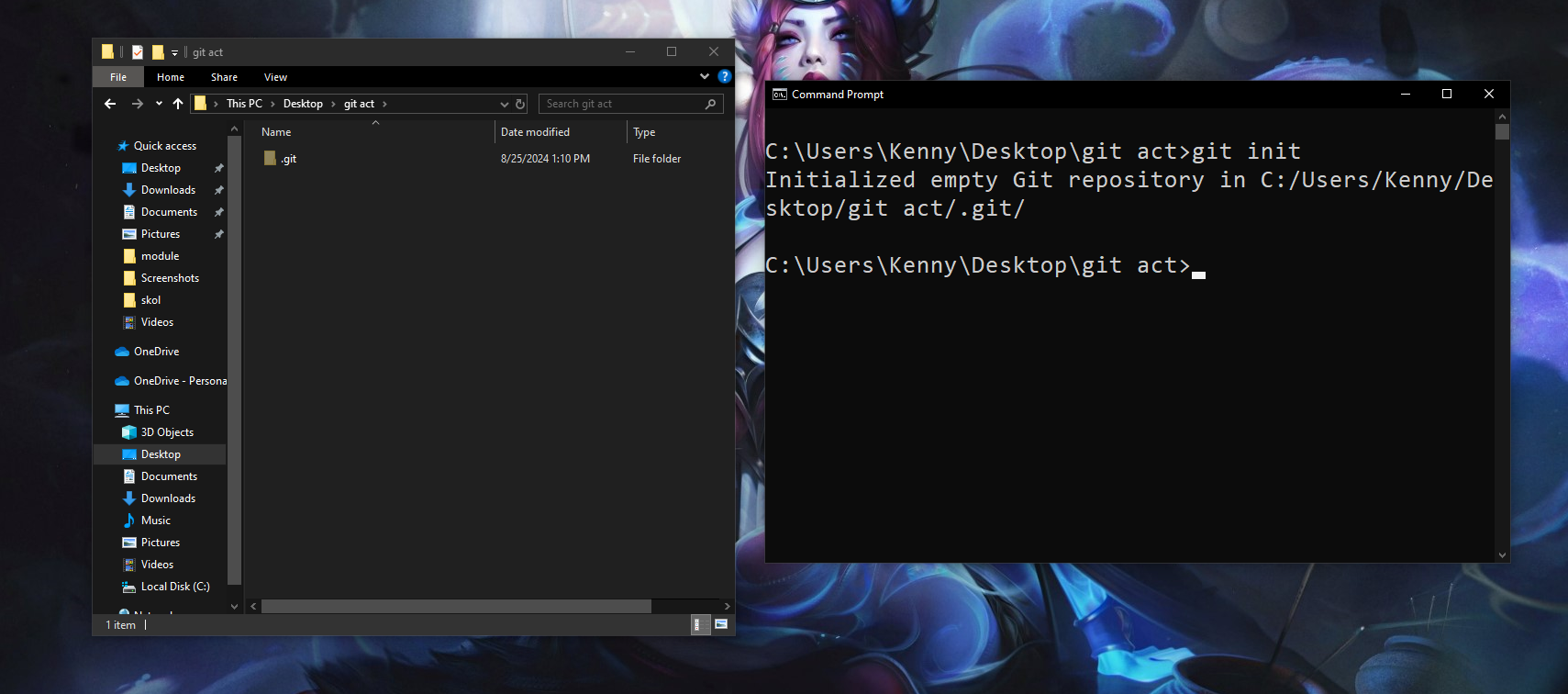
Step 4: Add Files to the Repository
git add .
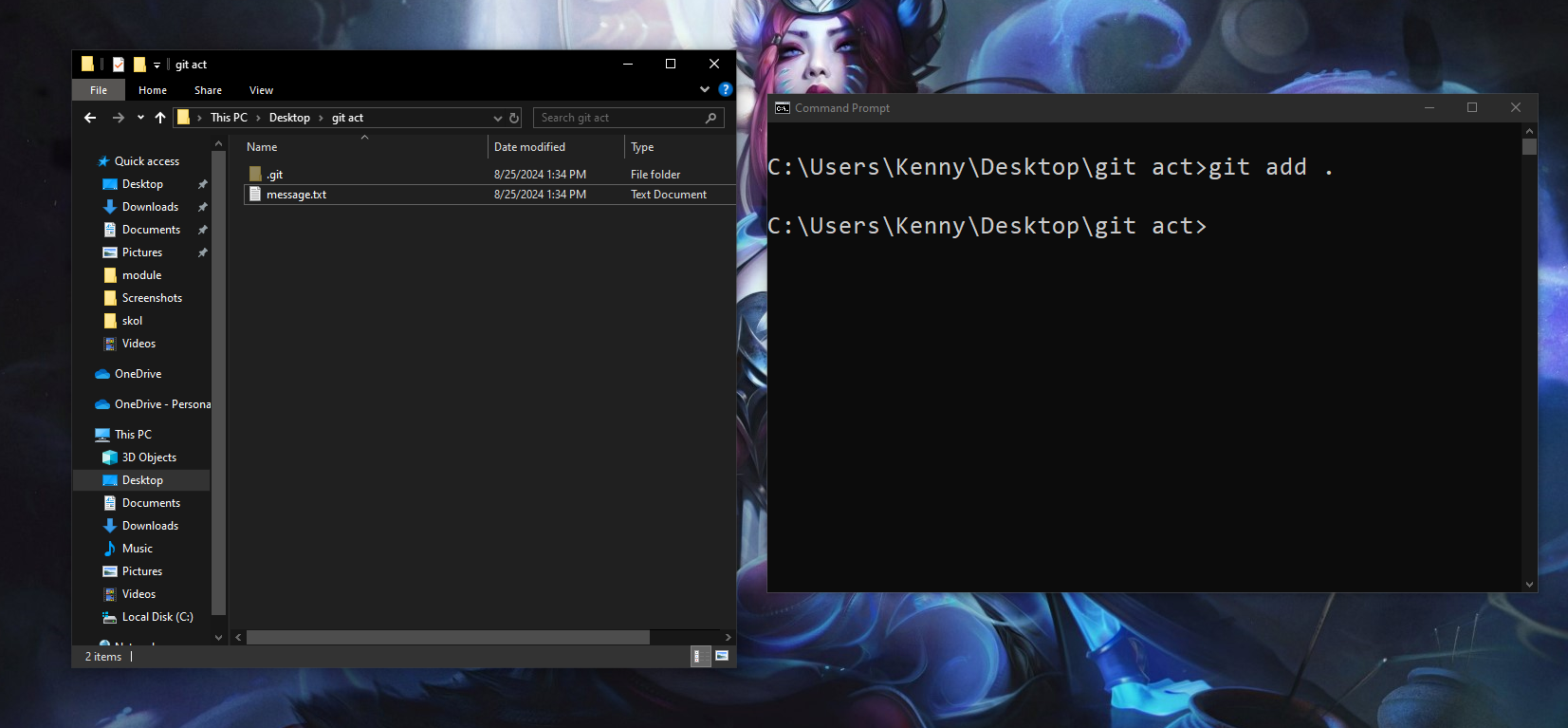
Step 5: Check the status
git status
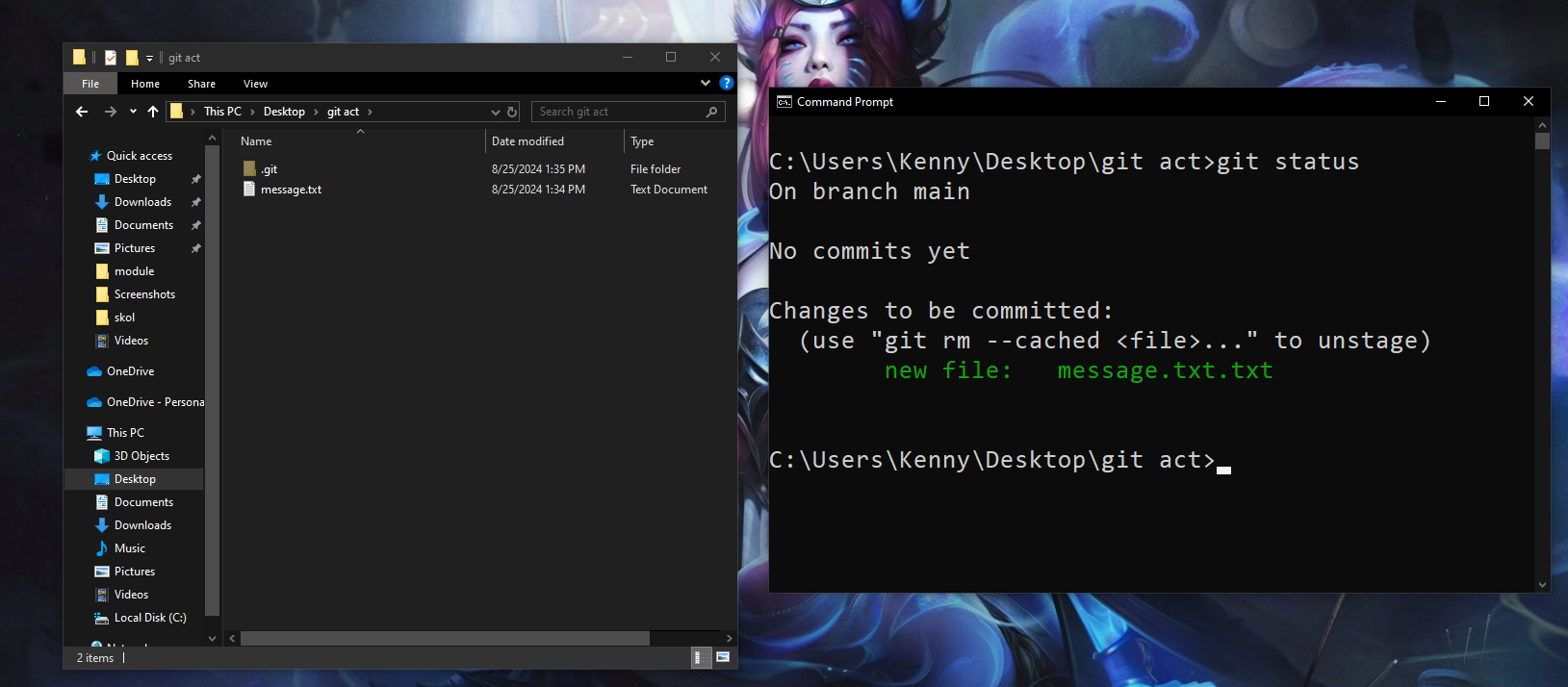
Step 6: Commit Changes
git commit -m "initial commit"
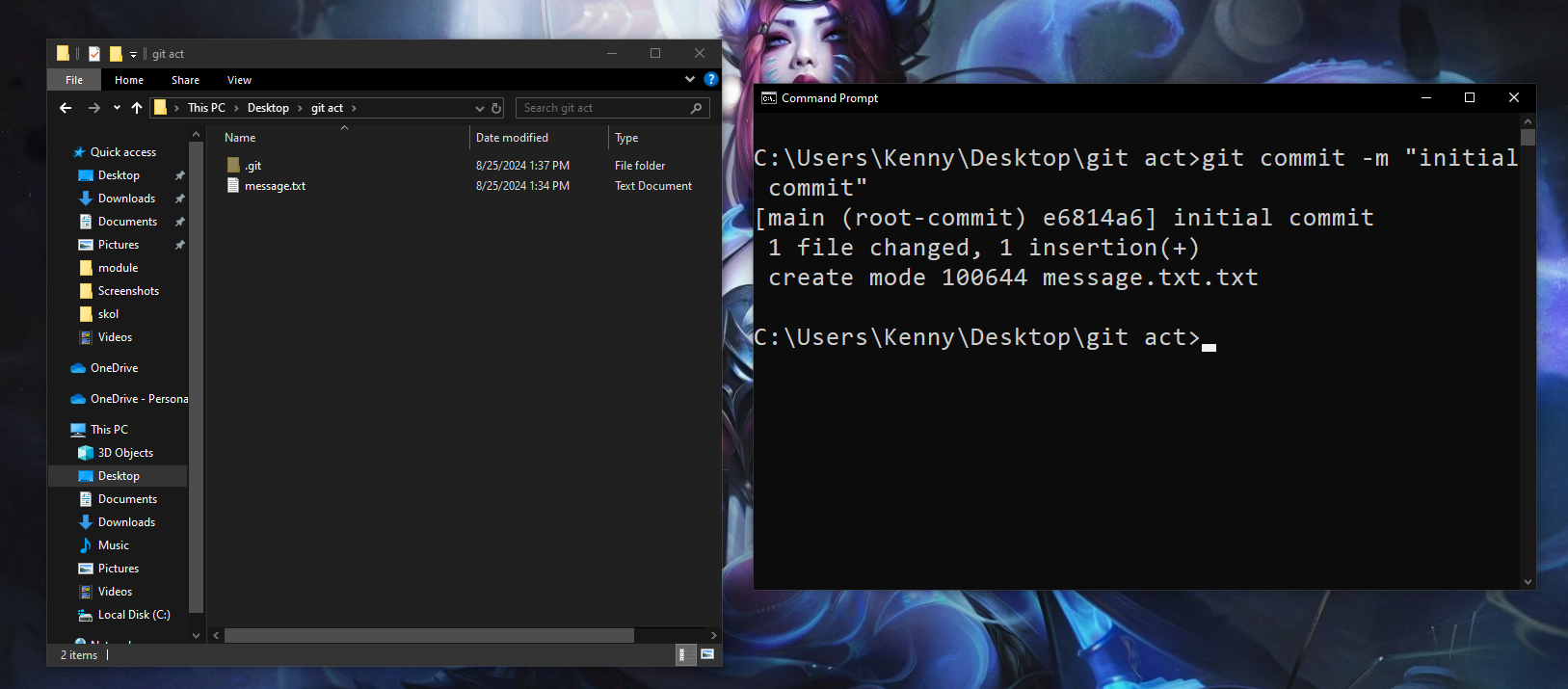
Step 7: View Commit History
git log